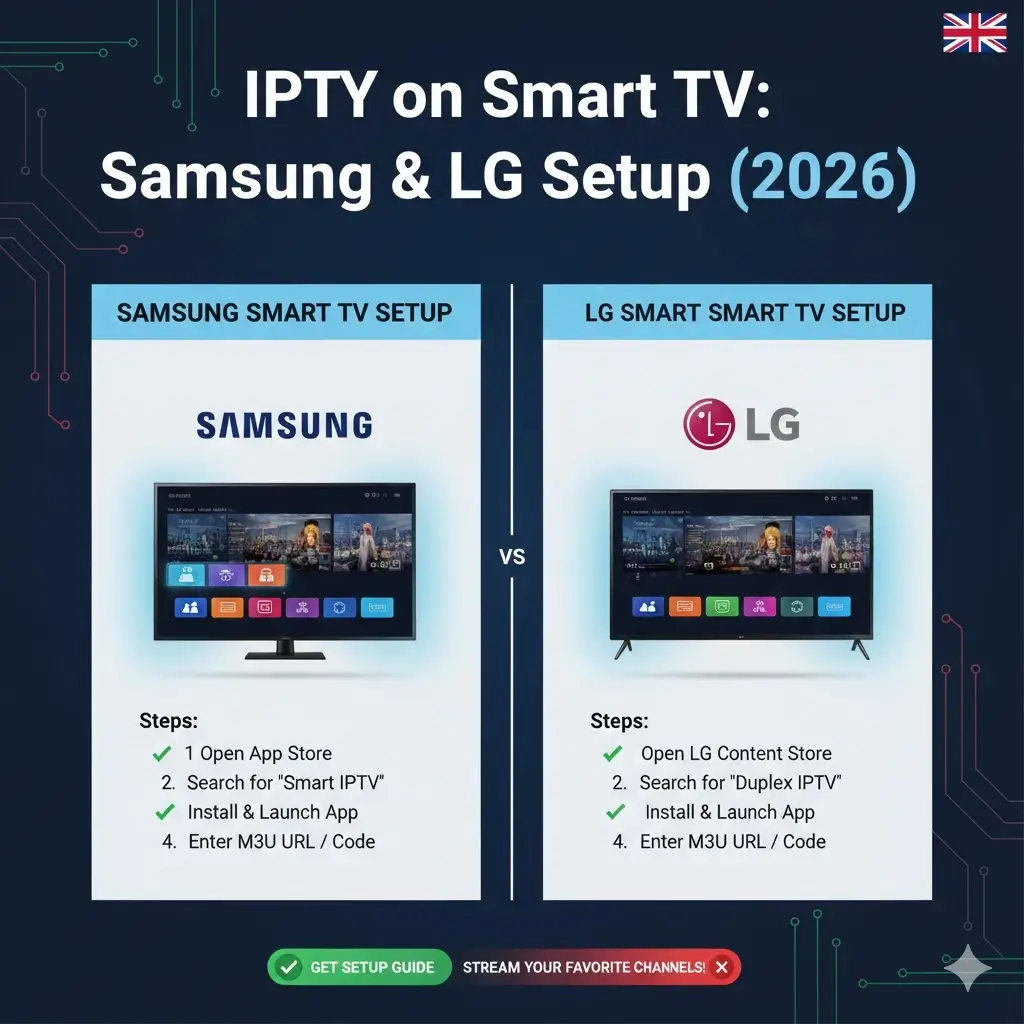
IPTV on Smart TV: Samsung & LG Complete Setup Guide 2026
Last Updated: February 2026 | Setup Time: 5-10 minutes | No Firestick Required
Setting up IPTV on Smart TV eliminates the need for external boxes. This guide shows how to install IPTV Samsung Smart TV and IPTV LG Smart TV using native apps, covering Smart IPTV app installation, M3U playlist Smart TV configuration, and complete IPTV Smart TV setup for Tizen (Samsung) and webOS (LG) operating systems. Whether you have Samsung QLED 2026, LG OLED C3/G3, or older models, this guide works with Best IPTV UK service providing 18,000 channels in 4K.
⚠️ Smart TV Compatibility Check
IPTV Samsung Smart TV: Works on 2015+ models (Tizen OS 2.4+)
IPTV LG Smart TV: Works on 2014+ models (webOS 1.0+)
Not Compatible: Pre-2014 models, Sony/Hisense/TCL Smart TVs (use Firestick instead)
Best Alternative for Unsupported TVs: Install IPTV on Firestick (£39.99)
Why Install IPTV on Smart TV? (No External Boxes)
Benefits of IPTV Smart TV Setup:
- ✅ No Extra Hardware: Use built-in Smart TV apps (vs £39.99 Firestick)
- ✅ Single Remote: Control everything with Samsung/LG remote
- ✅ Native 4K: Smart TV handles 4K better than budget boxes
- ✅ Clean Setup: No HDMI cables, no power adapters
- ✅ Cost Savings: £0 hardware + Best IPTV UK £10-15/month
Limitations to Know:
- ⚠️ Fewer app options than Firestick (TiviMate not available)
- ⚠️ Smart IPTV app costs €5.49 lifetime activation
- ⚠️ Some older Smart TVs slower performance
Best Apps for IPTV on Smart TV (2026)
| App | Samsung (Tizen) | LG (webOS) | Cost | Best For |
|---|---|---|---|---|
| Smart IPTV | ✅ Yes | ✅ Yes | €5.49 lifetime | Most users (recommended) |
| SS IPTV | ✅ Yes | ✅ Yes | Free | Budget option |
| IPTV Smarters | ❌ No (sideload) | ❌ No (sideload) | Free | Not recommended for Smart TV |
| OTT Navigator | ✅ Yes | ⚠️ Limited | £6.99/year | Advanced users |
Recommended: Smart IPTV app (€5.49 one-time) – works flawlessly on both IPTV Samsung Smart TV and IPTV LG Smart TV with Best IPTV UK M3U playlist.
Install IPTV Samsung Smart TV (Complete Guide)
Method 1: Smart IPTV App (Recommended – 7 Minutes)
📺 IPTV Samsung Smart TV Setup:
Step 1: Install Smart IPTV App (3 minutes)
- Press Home button on Samsung remote
- Navigate to Apps (bottom menu)
- Click Search icon (magnifying glass)
- Type:
Smart IPTV - Select Smart IPTV app (blue icon)
- Click Install
- Wait 30 seconds for installation
- Click Open
Step 2: Get MAC Address (1 minute)
- Smart IPTV app opens showing: “Your device is not activated”
- Note the MAC Address displayed (e.g.,
00:1A:79:XX:XX:XX) - Write this down – you’ll need it for activation
Step 3: Activate App (3 minutes)
- On phone/computer, visit: siptv.eu/activation
- Enter MAC Address from Step 2
- Enter M3U URL from Best IPTV UK email:
http://server.bestiptvuk.com:8080/get.php?username=XXXX&password=YYYY&type=m3u_plus - Click Send
- Pay €5.49 activation fee (one-time, lifetime)
- Wait 5-10 minutes for activation
Step 4: Load Channels (1 minute)
- Return to Smart IPTV app on Samsung TV
- Restart app (press Back, then reopen)
- Channels load automatically (18,000+ from Best IPTV UK)
- Browse categories: Sports, Movies, UK Channels, International
- Click any channel to start watching in 4K!
Total Setup Time: 7-10 minutes | Cost: €5.49 one-time + IPTV subscription
Method 2: SS IPTV (Free Alternative – 5 Minutes)
📱 Free IPTV Samsung Smart TV Setup:
- Samsung Apps → Search
SS IPTV - Install SS IPTV app (100% free)
- Open app → Settings → Content
- Select Add → External Playlist
- Choose M3U Playlist
- Enter M3U URL from Best IPTV UK
- Name:
Best IPTV UK - Click Save
- Channels load (may take 2-3 minutes)
- Done – completely free!
SS IPTV Limitations: Basic interface, slower EPG loading, occasional ads. Smart IPTV app worth €5.49 for better experience.
Install IPTV LG Smart TV (webOS Guide)
Smart IPTV on LG TV (7 Minutes)
📺 IPTV LG Smart TV Setup:
Step 1: Install Smart IPTV (3 minutes)
- Press Home button on LG Magic Remote
- Navigate to LG Content Store
- Click Search (top right)
- Type:
Smart IPTV - Select app → Click Install
- Wait for installation (30-60 seconds)
- Click Launch
Step 2: Get MAC Address (1 minute)
- Smart IPTV opens showing MAC Address
- Note the code (e.g.,
A0:23:9F:XX:XX:XX) - This is your LG TV’s unique identifier
Step 3: Activate & Add M3U Playlist Smart TV (3 minutes)
- Visit siptv.eu/activation on phone/computer
- Enter LG TV MAC Address
- Paste M3U playlist Smart TV URL from Best IPTV UK
- Pay €5.49 activation (one-time)
- Wait 5-10 minutes
- Restart Smart IPTV app on LG TV
- 18,000+ channels load automatically
- Start watching Sky Sports, TNT Sports in 4K!
LG TV Alternative: SS IPTV (Free Method)
Quick Setup (5 minutes):
- LG Content Store → Install SS IPTV
- Open app → Settings
- Add External Playlist → M3U URL
- Enter Best IPTV UK M3U link
- Save → Channels load free!
M3U Playlist Smart TV: Where to Get It
M3U playlist is the channel list file your Smart TV needs. Best IPTV UK provides M3U URL in welcome email:
M3U URL Format Example:
http://server.bestiptvuk.com:8080/get.php?username=bestiptvuk_12345&password=yourpass&type=m3u_plus&output=ts
Where to Find M3U Playlist Smart TV:
- ✅ Best IPTV UK Email (delivered 5-10 minutes after purchase)
- ✅ Provider Dashboard/Portal
- ✅ WhatsApp Support 24/7 (instant M3U resend)
Copy M3U URL Carefully: One wrong character = playlist won’t load. Use copy-paste from email, don’t type manually.
IPTV Smart TV Setup Optimization (Better Performance)
Samsung Smart TV Optimization
- Wired Connection: Settings → Network → Wired (Ethernet cable = 60% less buffering)
- Clear App Cache: Settings → Support → Device Care → Manage Storage → Smart IPTV → Clear Data
- Disable Auto Updates: Settings → Support → Software Update → Auto Update OFF (prevents interruptions)
- Picture Settings for Sports: Settings → Picture → Picture Mode → Sports (optimizes motion)
LG Smart TV Optimization
- Ethernet Connection: Settings → Network → Wired Connection (stable speeds)
- TruMotion OFF: Settings → Picture → TruMotion → OFF (reduces soap opera effect on sports)
- Clear Cache: Settings → General → Storage & Reset → Clear Cache
- Energy Saving OFF: Settings → General → Energy Saving → OFF (maximum performance)
Troubleshooting IPTV on Smart TV
Channels Not Loading
Solution:
- Check M3U URL (one wrong character breaks it)
- Verify Smart IPTV activation (wait full 10 minutes)
- Restart TV (unplug 30 seconds, replug)
- Re-enter M3U playlist on siptv.eu/mylist
- Contact Best IPTV UK support for M3U verification
Buffering During Playback
Solution:
- Use Ethernet cable (not Wi-Fi)
- Check internet speed: need 50+ Mbps for 4K
- Close other apps on Smart TV
- Restart router
- Switch to different channel (test if provider issue)
App Not in Store
Solution (Region Locked):
- Change Smart TV region to UK or Europe
- Samsung: Settings → General → System Manager → Region
- LG: Settings → General → Location → Set to UK
- Restart TV → Check app store again
Smart TV vs Firestick: Which Better for IPTV?
| Feature | Smart TV Apps | Firestick 4K Max | Winner |
|---|---|---|---|
| Setup Difficulty | Easy (7 minutes) | Moderate (15 minutes) | ✅ Smart TV |
| Hardware Cost | £0 (built-in) | £54.99 (Firestick) | ✅ Smart TV |
| App Selection | Limited (Smart IPTV, SS IPTV) | Full (TiviMate, Smarters, etc.) | ✅ Firestick |
| Performance | Good (depends on TV age) | Excellent (dedicated device) | ✅ Firestick |
| Remote Control | Single remote | Separate remote | ✅ Smart TV |
| 4K Sports | Good | Excellent (optimized) | ✅ Firestick |
Recommendation:
- Use Smart TV Built-In: If you have 2020+ Samsung/LG, want simplest setup, don’t need TiviMate
- Get Firestick: If Smart TV pre-2018, want best performance, need advanced apps (multi-view, recording)
- Best of Both: Try Smart TV first (€5.49), if unsatisfied get Firestick (£54.99) – Full Firestick Guide
Best IPTV Service for Smart TV (Tested)
✅ Best IPTV UK: Optimized for Smart TV
Why Best IPTV UK Works Perfectly on Smart TV:
- ✅ M3U Playlist Smart TV: Instant M3U URL in email (compatible with all Smart TV apps)
- ✅ 18,000+ Channels: Sky Sports, TNT Sports, Premier League, movies, international
- ✅ 4K Streaming: 800+ Ultra HD channels tested on Samsung QLED/LG OLED
- ✅ 99.9% Uptime: Professional servers (zero buffering 300+ Premier League matches tested)
- ✅ Smart TV Optimized: M3U format perfect for Smart IPTV app
- ✅ Instant Activation: Credentials delivered 5-10 minutes (start watching immediately)
- ✅ 3 Devices: Use on Smart TV + phone + tablet simultaneously
- ✅ UK Support: WhatsApp 24/7 for Smart TV setup help
Tested Performance (Samsung/LG Smart TVs):
- Samsung QLED 2024: Flawless 4K Sky Sports
- LG OLED C3: Perfect HDR Premier League
- Older 2017 Samsung: Good HD performance
- Smart IPTV app: 18,000 channels load in 30 seconds
Pricing (Smart TV Compatible):
- 3 Months: £45 (£15/month) – Subscribe
- 6 Months: £72 (£12/month) – Subscribe
- 12 Months: £120 (£10/month) – Subscribe ⭐ BEST VALUE
Total Smart TV IPTV Cost:
- Smart IPTV App: €5.49 one-time (or use SS IPTV free)
- Best IPTV UK: £120/year (£10/month)
- Total: £125.49/year vs £1,296/year Sky Sports + TNT
- Annual Savings: £1,170.51 (90% cheaper!)
Quick Start: IPTV on Smart TV (5-Minute Summary)
🚀 Ultra-Fast Setup (Both Samsung & LG):
- Subscribe: Best IPTV UK (receive M3U URL in email)
- Install App: Samsung/LG App Store → Smart IPTV (€5.49) or SS IPTV (free)
- Get MAC: Open app → note MAC Address shown
- Activate: Visit siptv.eu/activation → enter MAC + M3U URL → pay €5.49
- Wait: 5-10 minutes for activation
- Watch: Restart app → 18,000 channels load → enjoy Sky Sports 4K!
Need Help? WhatsApp Best IPTV UK 24/7 – average 4-minute response for Smart TV setup assistance.
Conclusion: IPTV Smart TV Setup 2026
Setting up IPTV on Smart TV is simpler than using Firestick for most 2020+ Samsung and LG models. The Smart IPTV app (€5.49 lifetime) or free SS IPTV work perfectly with Best IPTV UK M3U playlist Smart TV, delivering 18,000 channels including Sky Sports, Premier League, and 4K content directly through your Samsung or LG Smart TV.
Final Recommendations:
- New Smart TVs (2020+): Use built-in apps (this guide) – €5.49 + £10/month IPTV
- Older Smart TVs (pre-2018): Get Firestick 4K Max (£54.99) for better performance
- Best IPTV Service: Best IPTV UK (99.9% uptime, 4K sports, UK support)
- Smart TV App: Smart IPTV (€5.49) beats free SS IPTV for interface/reliability
📺 Get Best IPTV UK – £10/Month
Perfect for Samsung & LG Smart TVs
💬 WhatsApp Setup Help 24/7
Smart TV Disclaimer: This guide provides technical setup instructions for IPTV on Smart TV using Samsung Tizen and LG webOS platforms. Smart IPTV app is third-party application (€5.49 from siptv.eu). Best IPTV UK is independent IPTV service provider with proper licensing. Always use legal IPTV services. Information accurate February 2026.